For Mayluck owners
Purchased your Mayluck on TikTok Shop?
Care for the device you already own. Find your model, work through a product question, or ask about a replacement part.
These are products covered by Mayluck Care. Match your device or the version in your order; availability varies by sales channel.
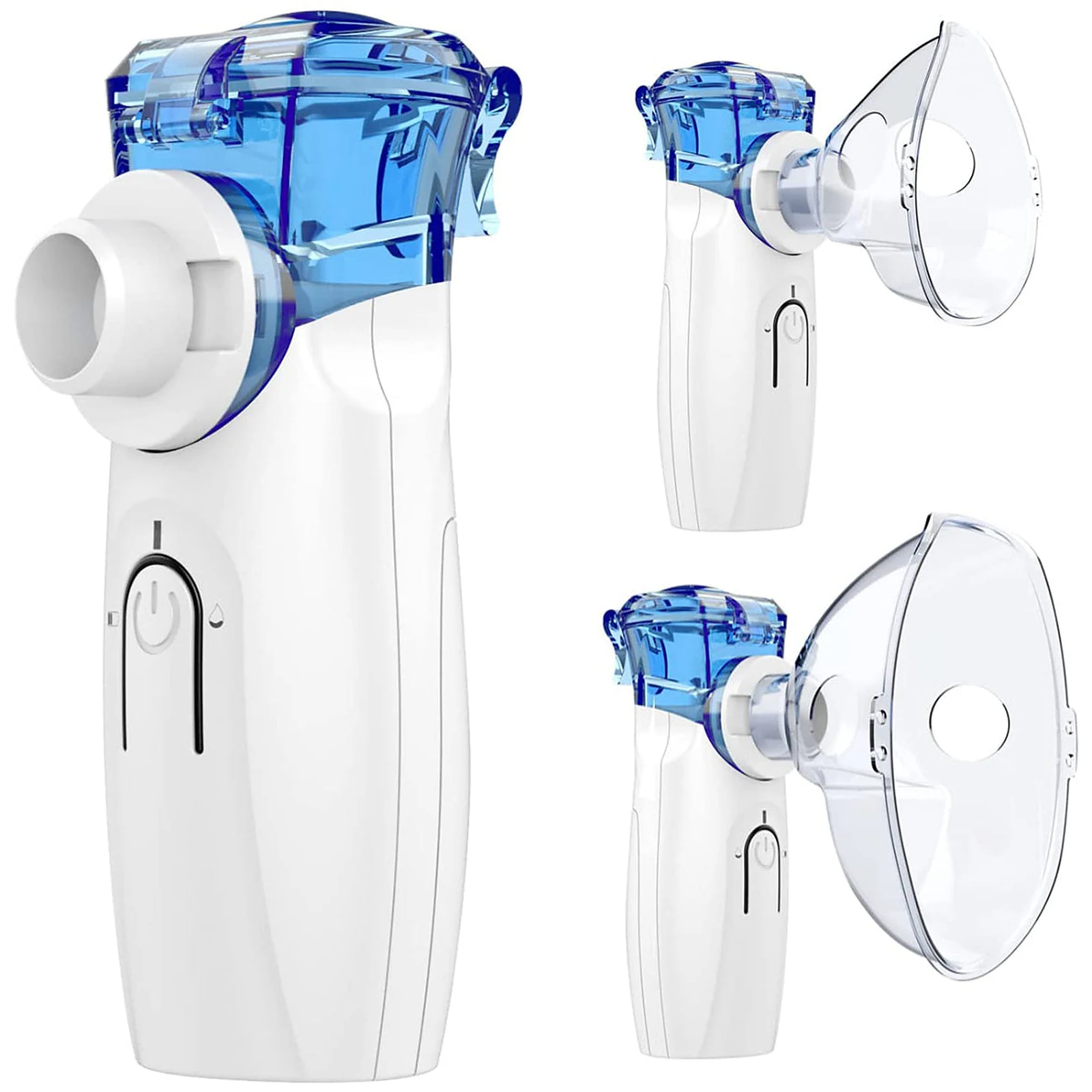
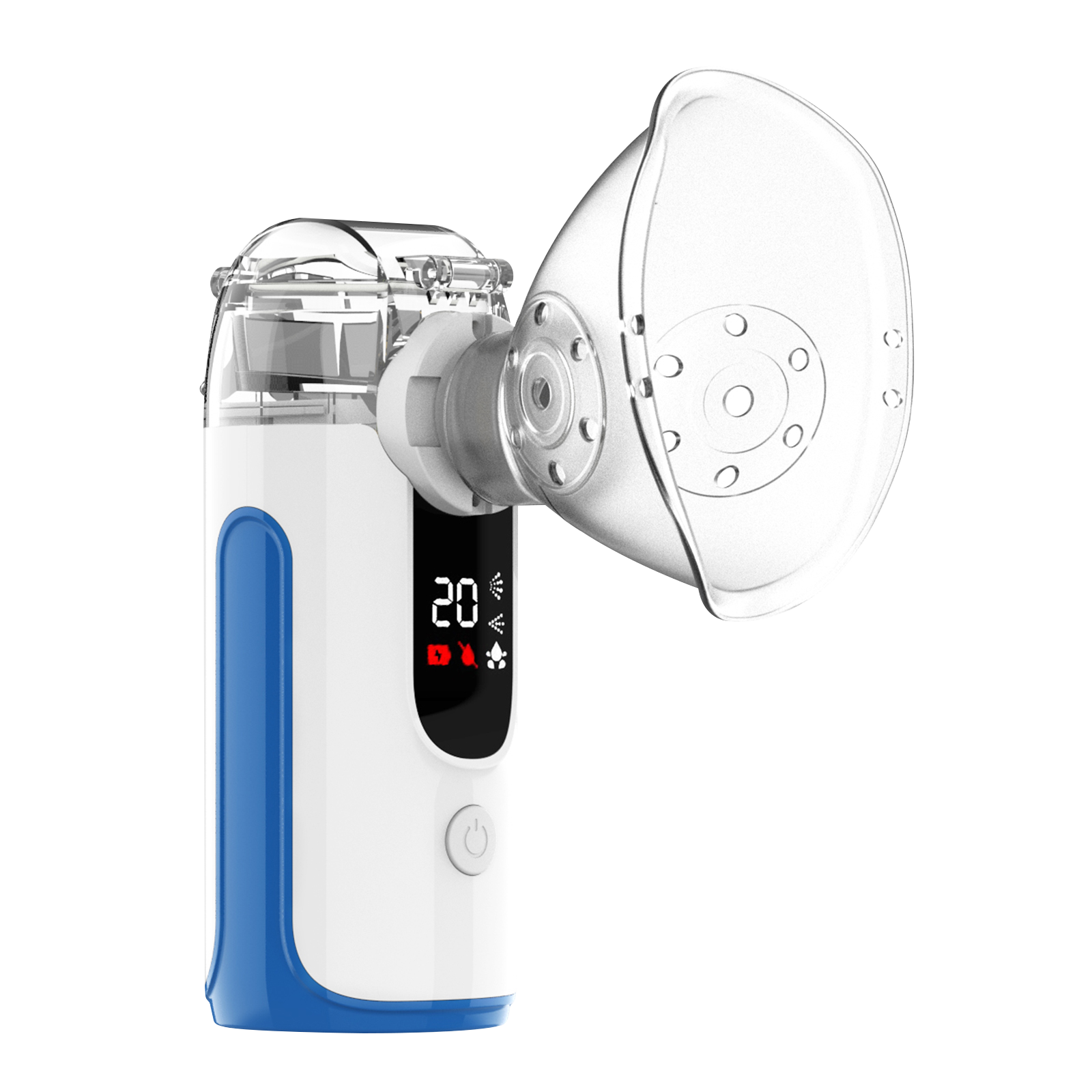
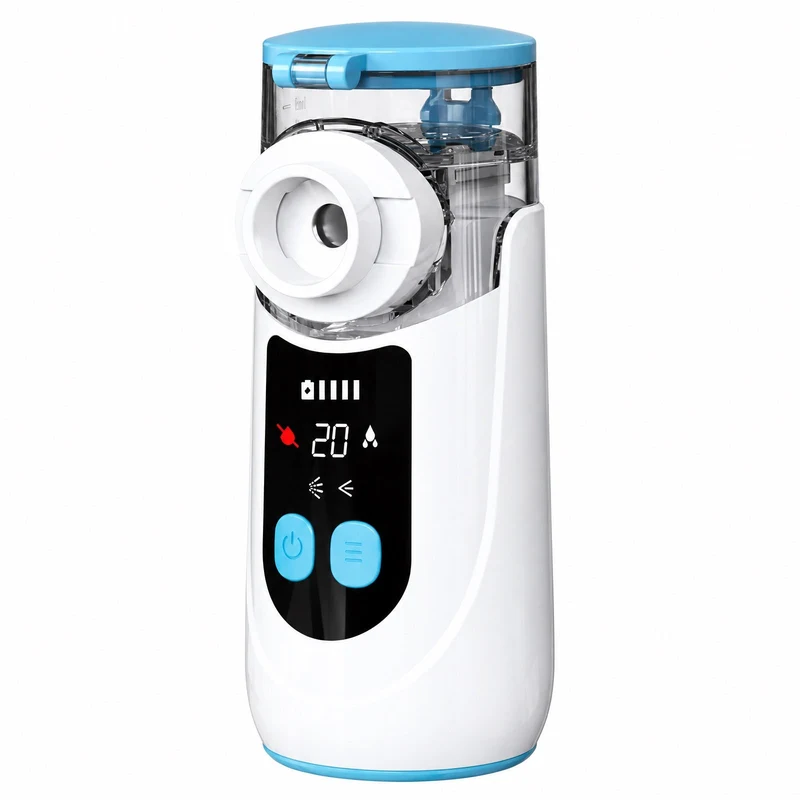
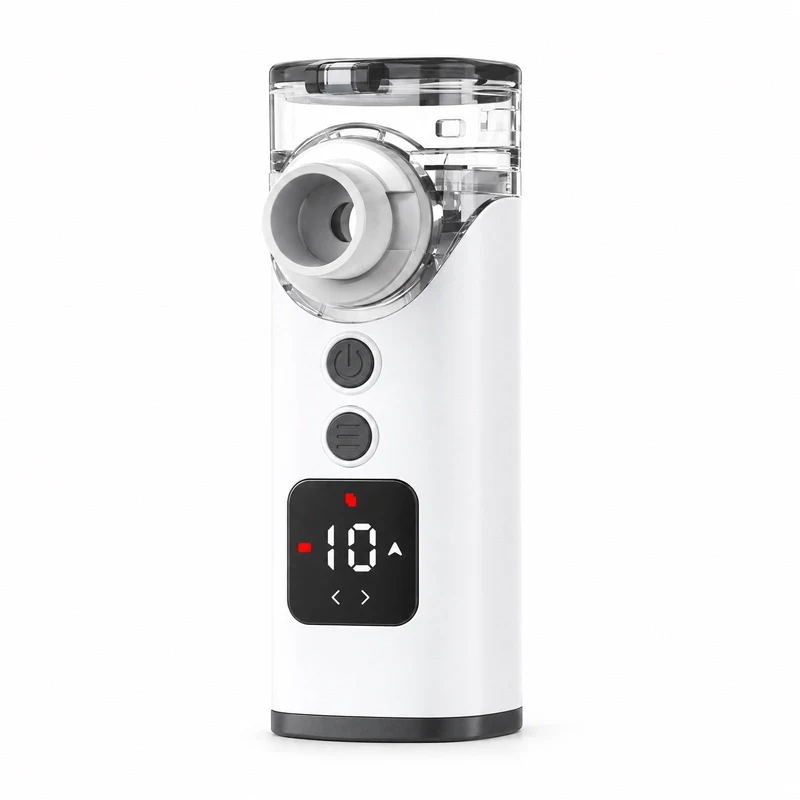
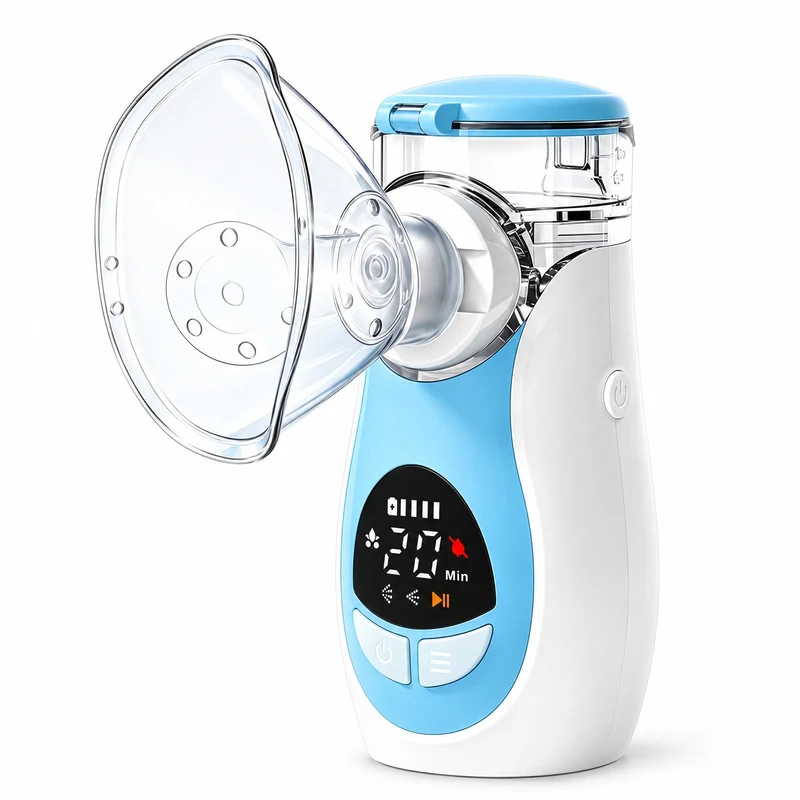
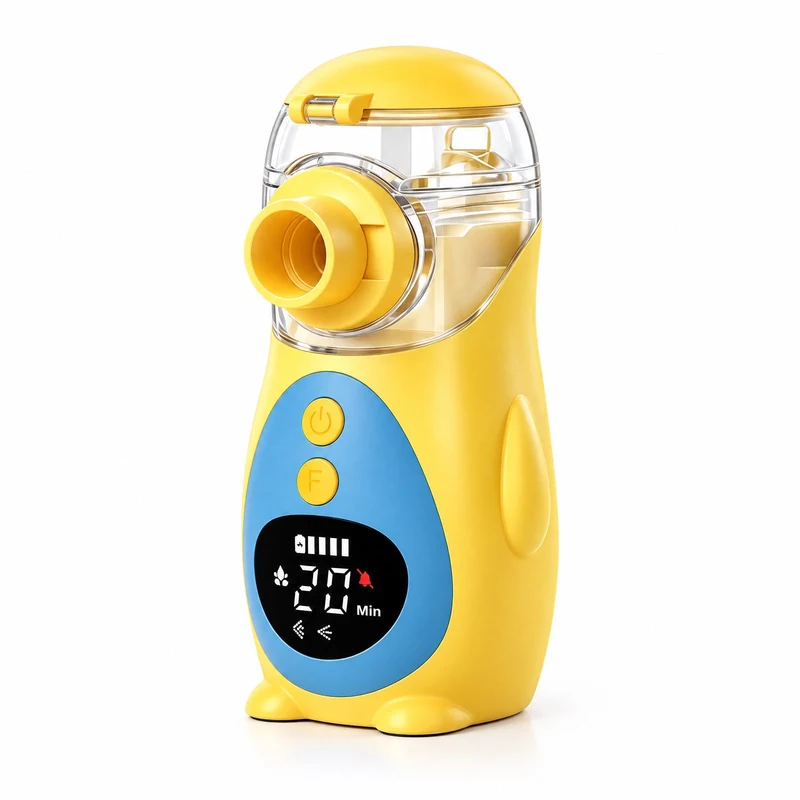
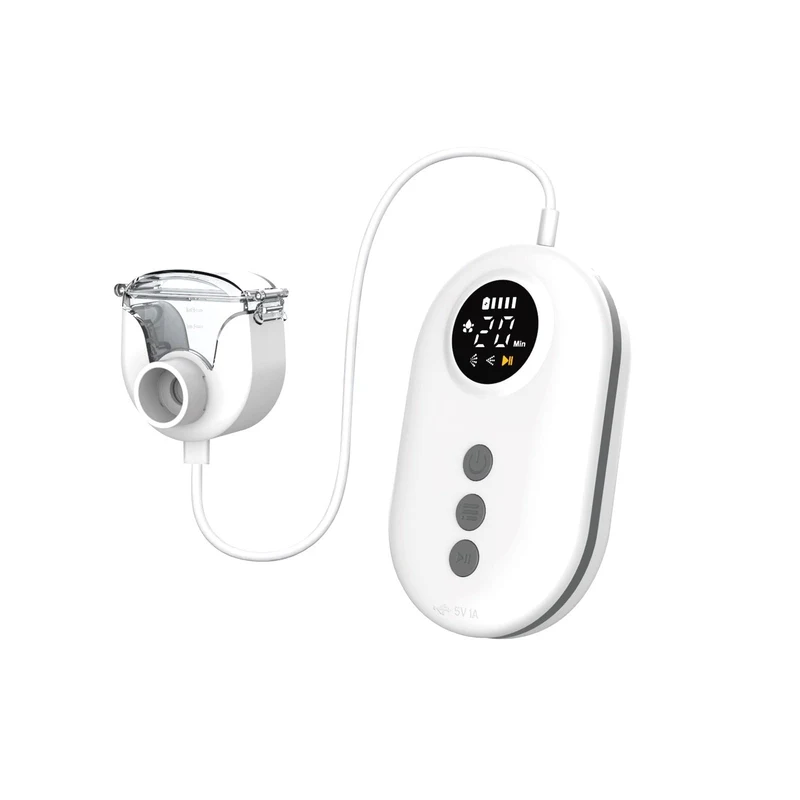
Check the complete model code on your device label, including any letters after the number. A similar appearance does not confirm the model or a part match.
A useful place to start
Guidance for everyday care.
You can read the help pages without an account or an email subscription. If your model is not listed, our team can help you identify it.
Ask a product questionFrom the first use onward
A clear place to start.
Answers to the questions that come up before, during and after using your Mayluck.
Just opened the box?
Check what arrived, identify your power version and find the instructions for your device.
Read the guideWhat belongs in the cup?
Check the original liquid label and your exact device instructions before using it.
Read the guideFinished using it?
Plan cleaning, drying and storage by component, using the guide for your full model.
Read the guideYour original purchase
Keep order help with your TikTok order.
Delivery, cancellations, returns and refunds are handled through the original order in TikTok. You do not need to submit a Mayluck Care form or subscribe to emails to use those options.
Find your original order
Open TikTok using the account you purchased with and find the Mayluck order in your purchase history.
Choose the help you need
Use the order’s contact-seller or help options for delivery questions. For a return or refund, use the options available on that order.
Continue in TikTok
Follow the instructions, available options and deadlines shown for your order. Keep checking the order and seller conversation for updates.
A product-support or parts request here does not open a TikTok return or refund. If a part was missing or damaged when the order arrived, report it through that order before buying a replacement.
Preparing a product-support question?
Keep the purchase details and the device label separate. An order number, listing name or seller SKU is not the full manufacturer model code.
The complete device label
Copy the full model from the device, including every letter and suffix. Keep a clear photo of the whole label; a product title or similar appearance does not confirm the model.
The version and quantity you selected
Keep the product name and selected option as they appeared when you bought it, such as “Classic”, “Upgraded”, “1 PCS” or “2 PCS”, if shown. Also note how many devices you received. These order options do not establish a manufacturer model or part compatibility.
An optional purchase reference
An order number, original product link or a screenshot of the purchased item can help. If an old listing has changed or disappeared, you can still ask for device help with your label and a description.
When the problem first appeared
Say whether it arrived with the problem or worked at first, what you see now, and when it stops or changes. Include any visible indicator without guessing what it means.
In any screenshot, hide unrelated account details, addresses, payment information and prescription details. Keep only the item and purchase details that help identify it; support does not need your login or password.
Which part do you need?
Mayluck replacement masks and mouthpieces fit all Mayluck models. Use these examples to name the item and mask size you need; follow the separate guidance below for other components.
Mayluck mask reference; adult and child sizes. Mask
Mayluck replacement masks fit all Mayluck nebulizer models. Tell us the adult or child size and quantity you need. A photo or size marking can help if you are unsure which size you have.
Mayluck mouthpiece reference; compatible across Mayluck models. Mouthpiece
Mayluck replacement mouthpieces fit all Mayluck nebulizer models. Ask for a mouthpiece and the quantity you need. Include a photo if you need help identifying the item or describing damage.
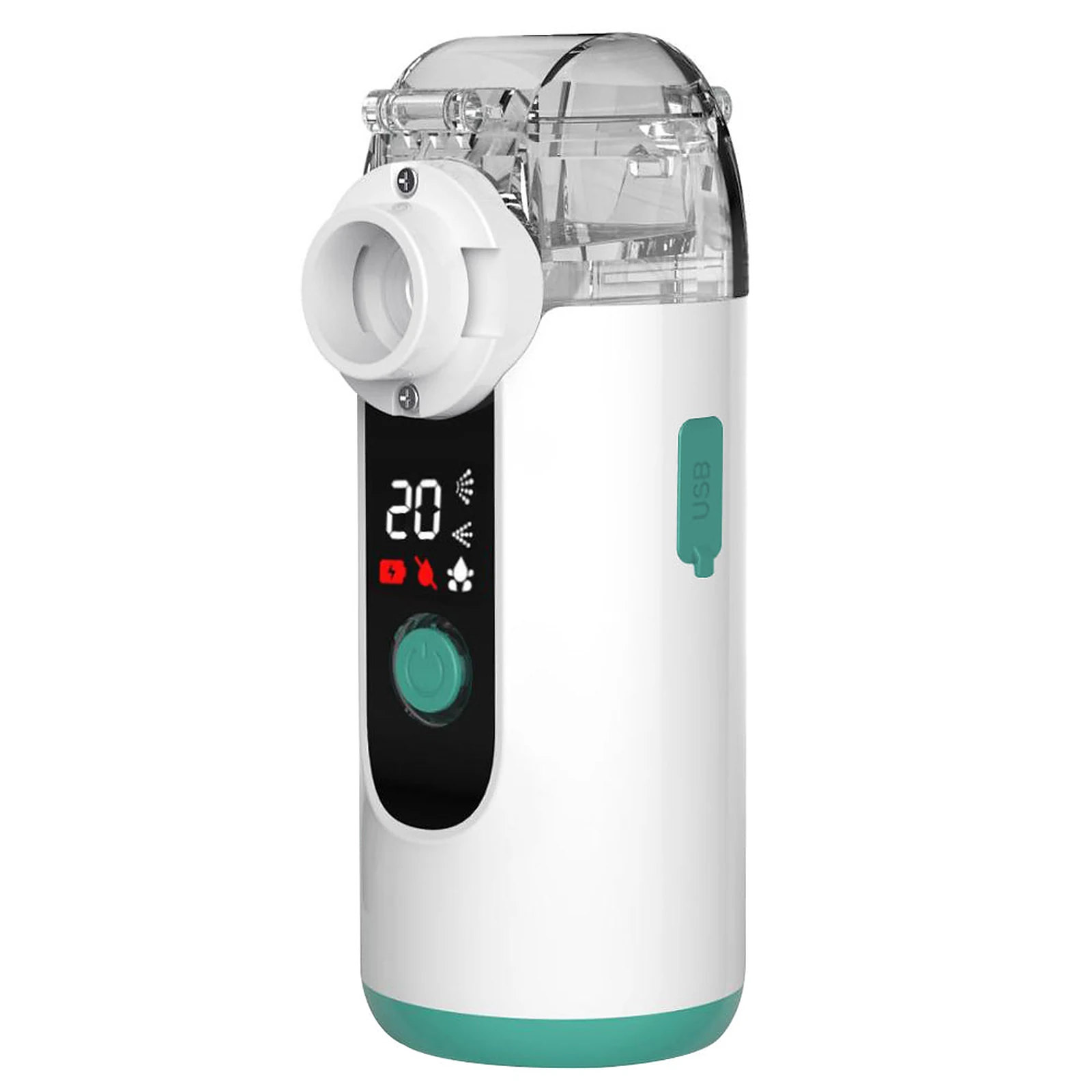
MY139 example; match your own part and model before ordering. Medicine cup
Photograph the complete cup, lid and the point where it connects to your device. Include the cup’s part number if present. A matching color or stated volume does not establish compatibility.
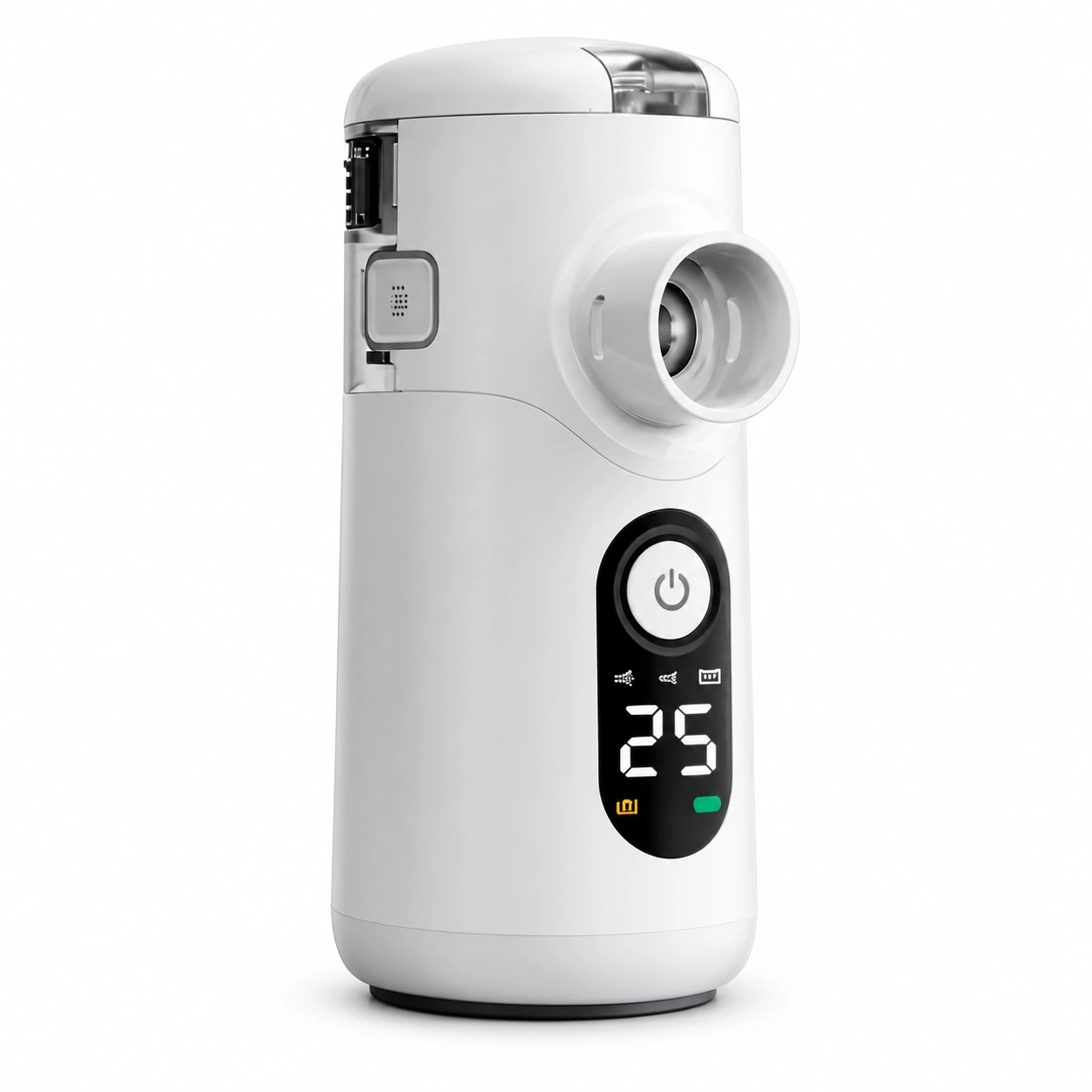
Swirler device reference. The separate module is not shown. Mesh module
If your instructions identify a replaceable mesh module, share the exact version and part number. Photograph it only as your instructions allow. Do not take apart a sealed cup or touch the mesh to get a photo.
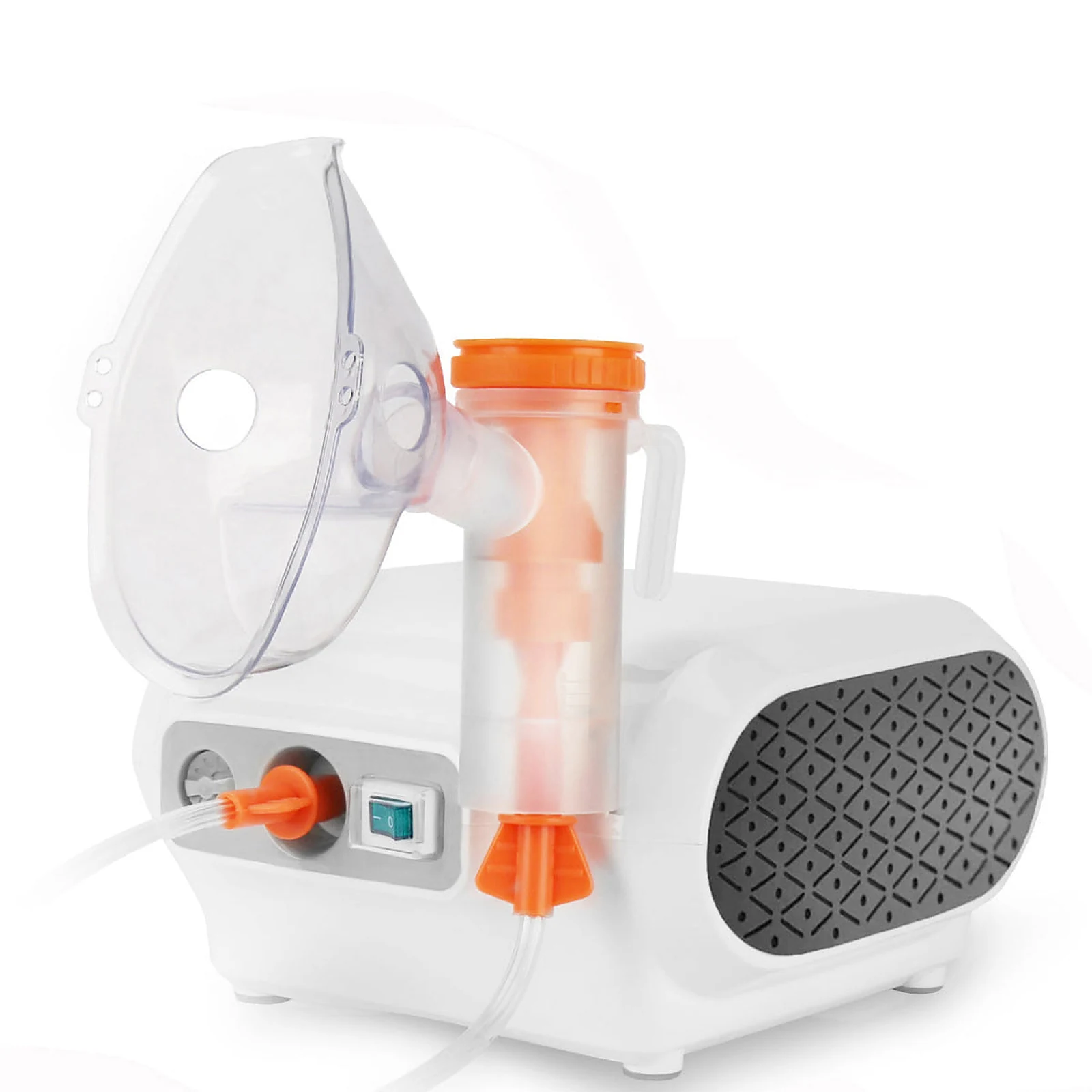
CN69 reference with tubing. This is not a universal parts set. Air tubing
For a compressor device, show the complete tube and both end connectors. Add the full device model and any code on the tubing package.
Choose the adult or child mask size for the person using it. Compatibility with a Mayluck device does not by itself establish an appropriate fit or choice of interface; ask the treating healthcare professional if unsure.
For a mask or mouthpiece, name the item, mask size and quantity. If the item is unclear or damaged, you can send photos when replying to support. For another component, prepare the device label and the part photos described above. The form starts an enquiry, not an order.
Request help identifying this partParts & accessories
Masks, mouthpieces and part support.
Our TikTok Shop sells complete devices. You can buy the shared Mayluck mask and mouthpiece set in the Mayluck store, or ask our support team about an individual item or a product problem.
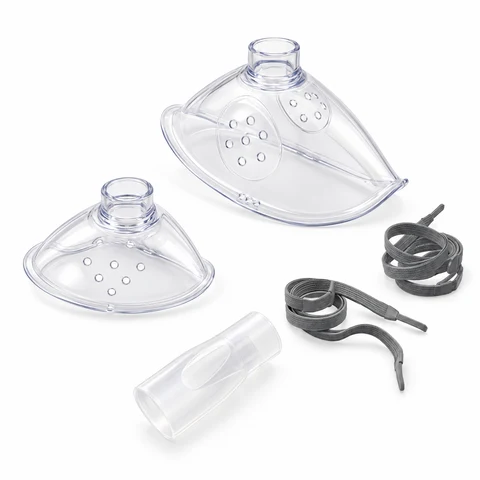
Replacement accessories
Mayluck mask & mouthpiece set
1 adult mask + 1 child mask + 1 mouthpiece. Compatible with all Mayluck nebulizer models.
Accessory-only orders start at 2 sets. When ordering with a nebulizer, you can add 1 set through the device page or shopping bag. Each set contains 1 adult-size mask, 1 child-size mask and 1 mouthpiece; no nebulizer, medicine cup, mesh head or medication. Confirm current price and shipping in the store.
View the accessory set in the Mayluck storeCurrent price, availability and shipping are shown in the store. No support form is needed to view this set.Buying a new portable device as well? All nine portable model links open a device + 1 extra set package. The standalone set above contains one adult mask, one child mask and one mouthpiece. Compare the package contents
For another part or help identifying what you need:
- Copy the full model code from the device label.
- Tell us which part you need and whether it is missing, worn or damaged.
- Our team will review compatibility and availability before suggesting a next step.
For other parts, our team can explain any verified ordering option after reviewing your request. Sending an enquiry does not place an order or confirm that a part is in stock.
If your device or a part is faulty, ask support to review the problem before buying a replacement. Get help with a fault or warranty question.
What to check before choosing a partParts & accessories
Need a part for your Mayluck?
Need help identifying a part, asking for an individual item or reporting a problem? Tell us what you need; our team will follow up by email.
A person, when you need one
Tell us what you’re seeing.
For a device question, share your model and a short description. Your order number is optional.